Prequire scanning is a real-time audit tool that checks your content for both ADA accessibility gaps and AEO structured data issues before you publish, so your pages are citation-ready and legally defensible from day one.
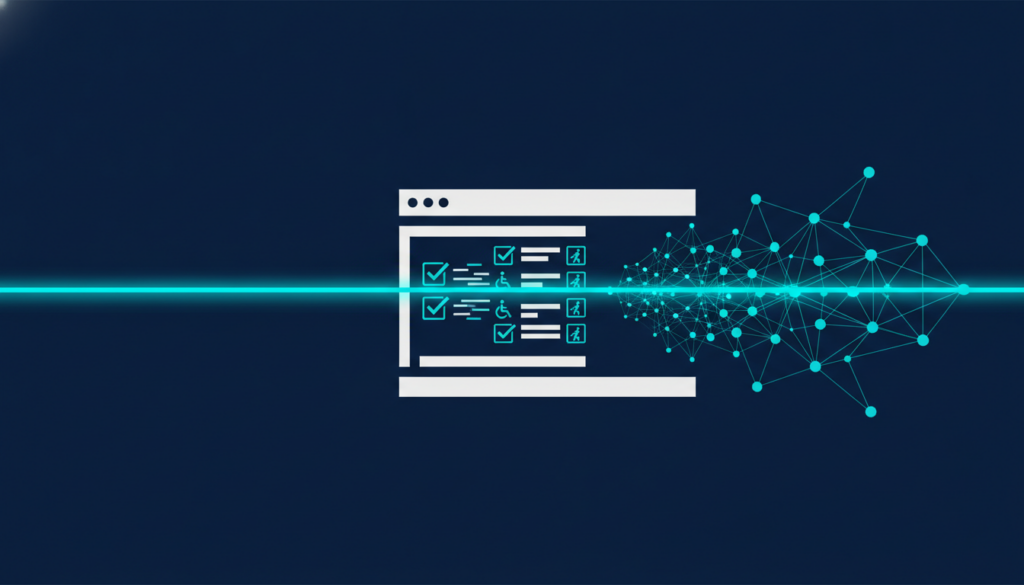
What Is Prequire Scanning? ADA Compliance + AEO Visibility in One Pass
Most teams treat accessibility and AI search visibility as two separate problems — two separate tools, two separate workflows, two separate headaches. I built Prequire because that split is exactly where compliance violations and missed AI citations both fall through the cracks. One scan catches both.
What Is Prequire Scanning? ADA Compliance + AEO Visibility in One Pass
Prequire scanning is a real-time audit tool that checks your content for both ADA accessibility gaps and AEO structured data issues before you publish, so your pages are citation-ready and legally defensible from day one.
Most teams treat accessibility and AI search visibility as two separate problems — two separate tools, two separate workflows, two separate headaches. I built Prequire because that split is exactly where compliance violations and missed AI citations both fall through the cracks. One scan catches both.
Why ADA and AEO Belong in the Same Scan
ADA compliance and AEO optimization share the same structural foundation: clean, machine-readable content. When I started building Prequire, I kept running into the same pattern — a page would fail an accessibility audit because it lacked descriptive alt text or proper heading hierarchy, and that exact same structural gap was also the reason AI engines like ChatGPT and Perplexity couldn’t extract a clean citation from it. The machine that reads for a screen reader and the machine that reads for an answer engine are solving the same problem: understanding your content without a human in the loop.
Running two separate tools to catch two versions of the same underlying issue never made sense to me. So Prequire scans both layers simultaneously — checking WCAG 2.1 compliance signals alongside structured data, schema markup, and answer-extractability. You get one report, one prioritized fix list, and one confidence score before anything goes live.
| Standard Accessibility Checker | Prequire Scanning |
|---|---|
| Checks WCAG violations only | Checks WCAG + AEO signals simultaneously |
| Post-publish audit | Pre-publish gate |
| Flags problems | Prioritizes fixes with citation impact scores |
| One compliance layer | ADA + AI citation readiness in one pass |
What Prequire Scanning Actually Checks
On the ADA side, Prequire flags the gaps most likely to generate real liability: missing or decorative alt text, unlabeled form fields, insufficient color contrast ratios, missing ARIA landmarks, and heading structures that break logical reading order. These aren’t theoretical violations — they’re the exact issues that show up in demand letters and DOJ settlement agreements. I surface them before publish, not after a complaint.
On the AEO side, the scan checks whether your content is structured so that AI engines can extract and cite it confidently. That means validating your FAQ schema, confirming your Article or HowTo JSON-LD is correctly formed, checking that your direct answer appears in the first 40 words of the relevant section, and flagging any content blocks that are too vague or unattributed for an AI to quote with confidence. I publish the atomic pages Prequire builds to pages.prequire.ai in real time — my own site runs on exactly what I build for clients, so every scan result I show you is one I’ve already run on myself.
How the Scan Fits Into a Real Publishing Workflow
Prequire scanning is designed as a pre-publish gate, not a post-mortem. The workflow is straightforward: you bring content in, the scanner runs both the ADA and AEO checks in parallel, and you get a prioritized output that tells you what to fix and why it matters — scored against Lighthouse for technical signals, Rich Results Test for schema validity, and Prequire’s own AEO citation score. No fix gets marked complete until the underlying structural issue is resolved, not just flagged.
I’ve been building on the web since 1998, and the pattern I keep seeing is that teams wait until something breaks — a complaint, a ranking drop, a missed AI citation — before they audit. Prequire inverts that. The point isn’t to react to violations. It’s to make compliant, citation-ready content your default output so there’s nothing to react to.
Who Prequire Scanning Is Built For
Prequire is purpose-built for digital marketers, SaaS content teams, and content strategists who are already thinking about AI search visibility and need their content to hold up in both AI-generated answers and accessibility audits. If you’re producing content at volume and you don’t have a pre-publish compliance check in your workflow, you’re accumulating risk on both fronts simultaneously.
I take a fixed number of builds per quarter and screen applicants — not because I’m being precious about it, but because Prequire is a tool I built and a process I run personally. There are no account managers, no handoffs. When you work with Prequire, I’m the one doing the scan.
Frequently Asked Questions
What does Prequire scanning check for?
Prequire scanning checks for ADA accessibility gaps — including missing alt text, heading structure issues, and ARIA landmark errors — alongside AEO signals like schema validity, direct-answer placement, and AI citation readiness, all in a single pre-publish pass.
How is Prequire different from a standard accessibility checker?
Standard accessibility checkers only flag WCAG violations. Prequire combines ADA gap detection with AEO structured data scanning, so you learn whether your content is both legally defensible and optimized for citation in AI-generated answers like those in ChatGPT or Perplexity.
When in the publishing workflow does Prequire scanning run?
Prequire is designed as a pre-publish gate. The scan runs before content goes live, giving you a prioritized fix list for both compliance and AEO issues so violations and missed citations are resolved before your audience — or an AI engine — ever sees the page.
Can Prequire scanning help my content appear in AI-generated answers?
Yes. Prequire checks whether your content structure, schema markup, and direct-answer placement meet the signals that AI engines use to extract and cite content. Pages that pass the AEO portion of the scan are structured for citation readiness in tools like ChatGPT and Google AI Overviews.
How do I get access to Prequire scanning?
Prequire takes a fixed number of builds per quarter and screens applicants. There are no open signups. You can learn more and apply at learn.prequire.ai — David McKinney reviews each application personally and does all the work himself with no handoffs.